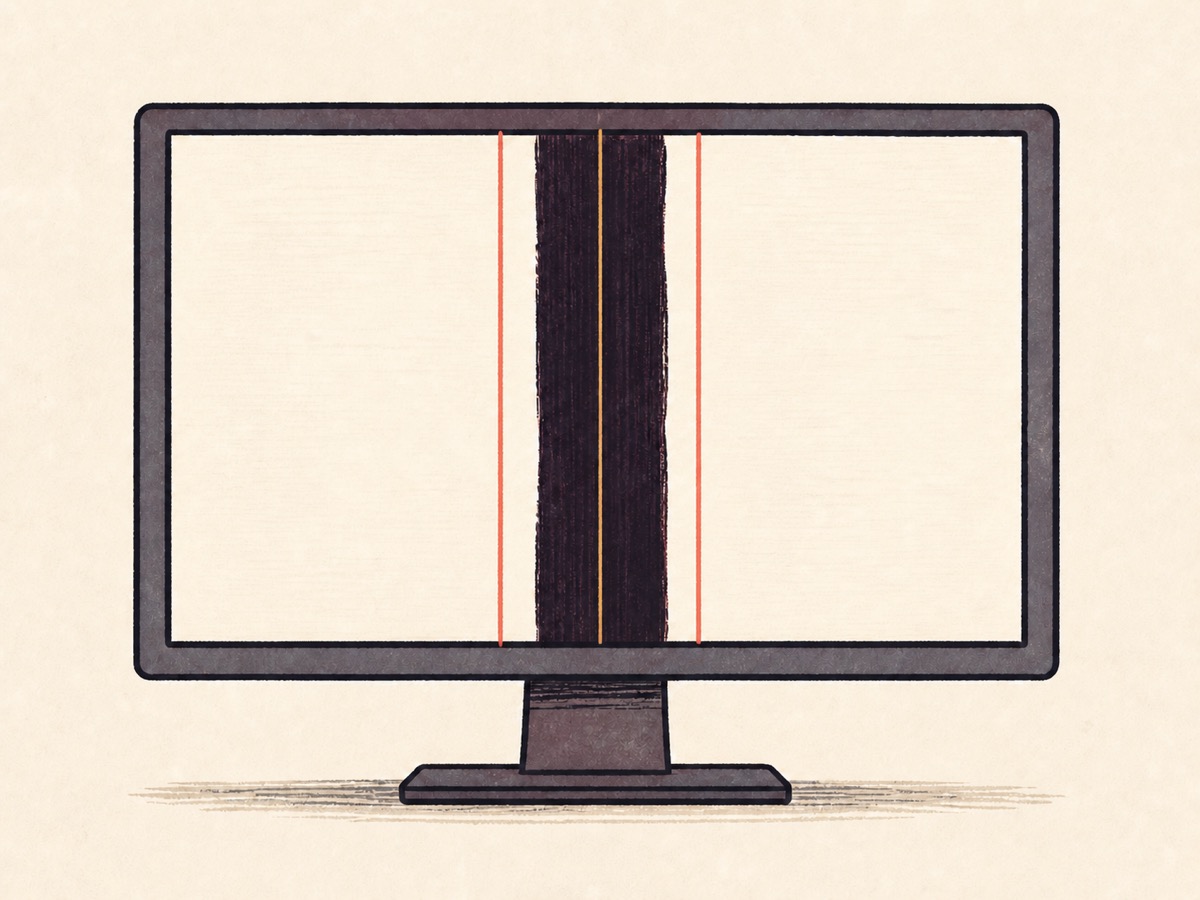
Mark the damaged strip.
Open calibration and drag the guides to mark the damaged strip on the selected display.
ScreenFix blacks out the broken strip and keeps ordinary windows inside the part of your screen that still works.
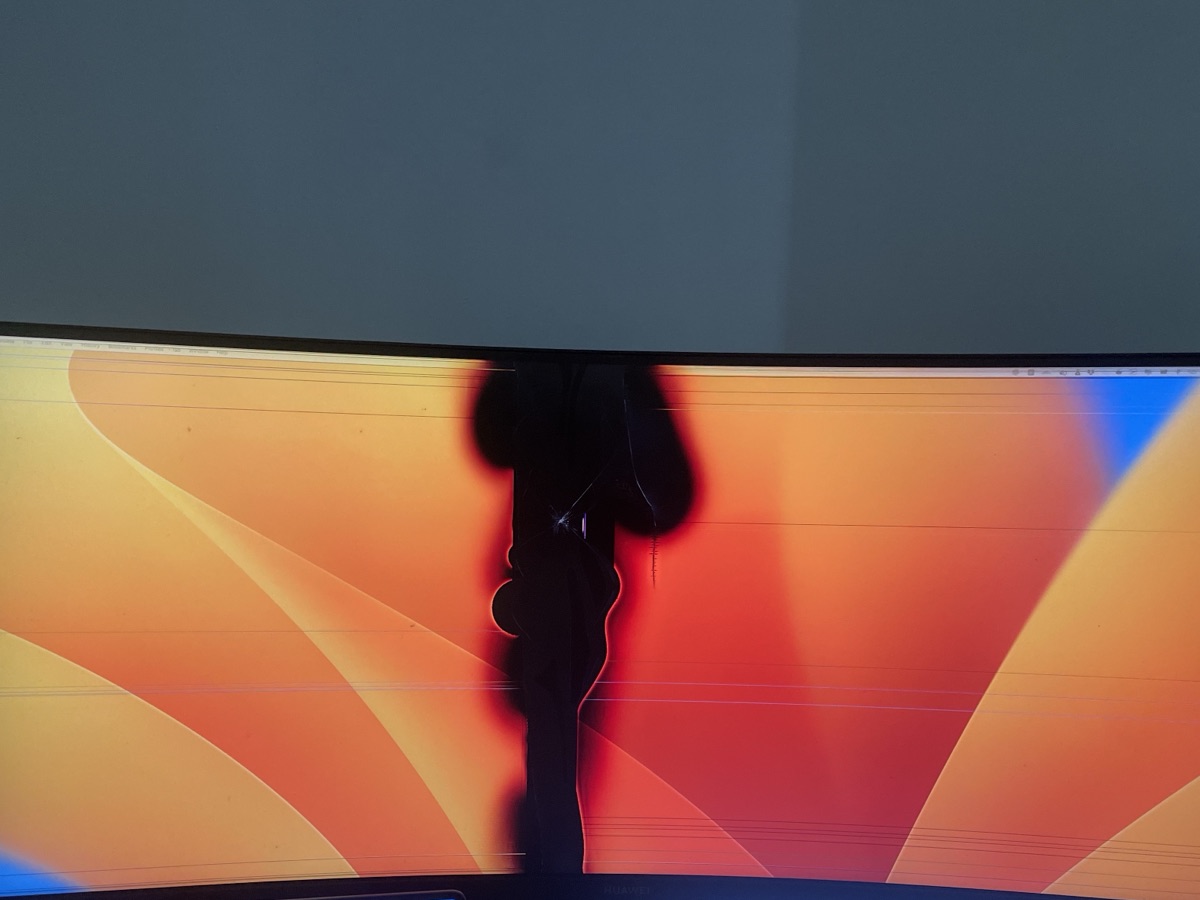
Open calibration and drag the guides to mark the damaged strip on the selected display.
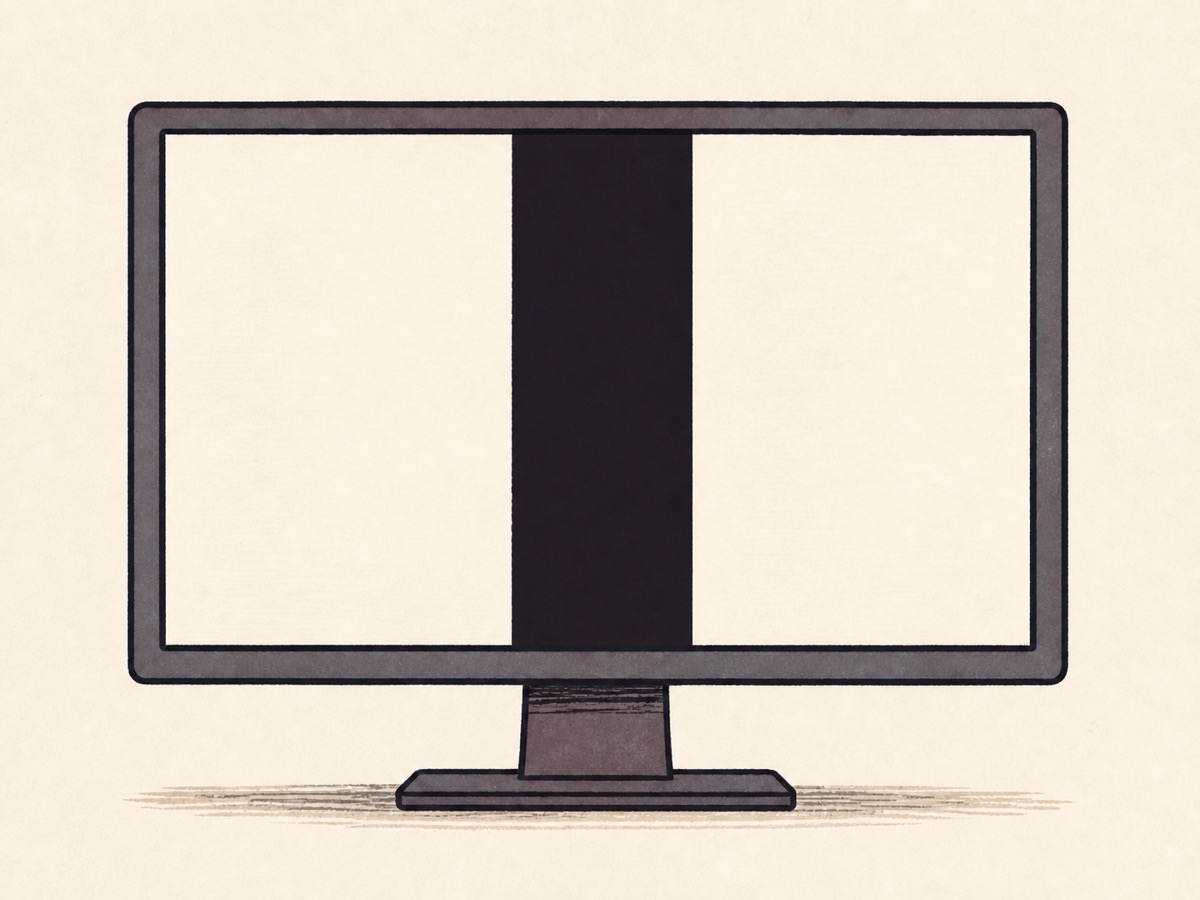
Save the calibration to place an opaque black mask over the damaged strip.
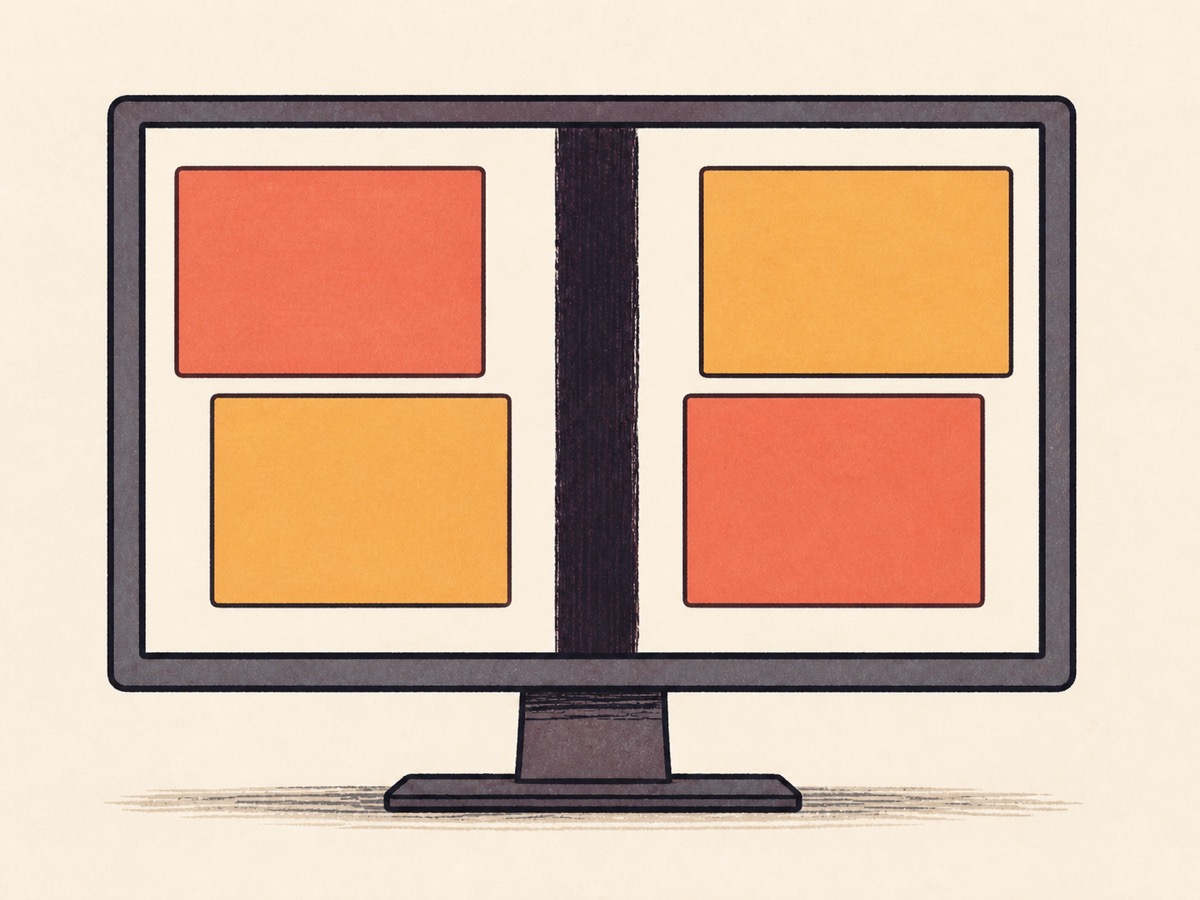
ScreenFix keeps ordinary movable windows inside the usable space on either side.
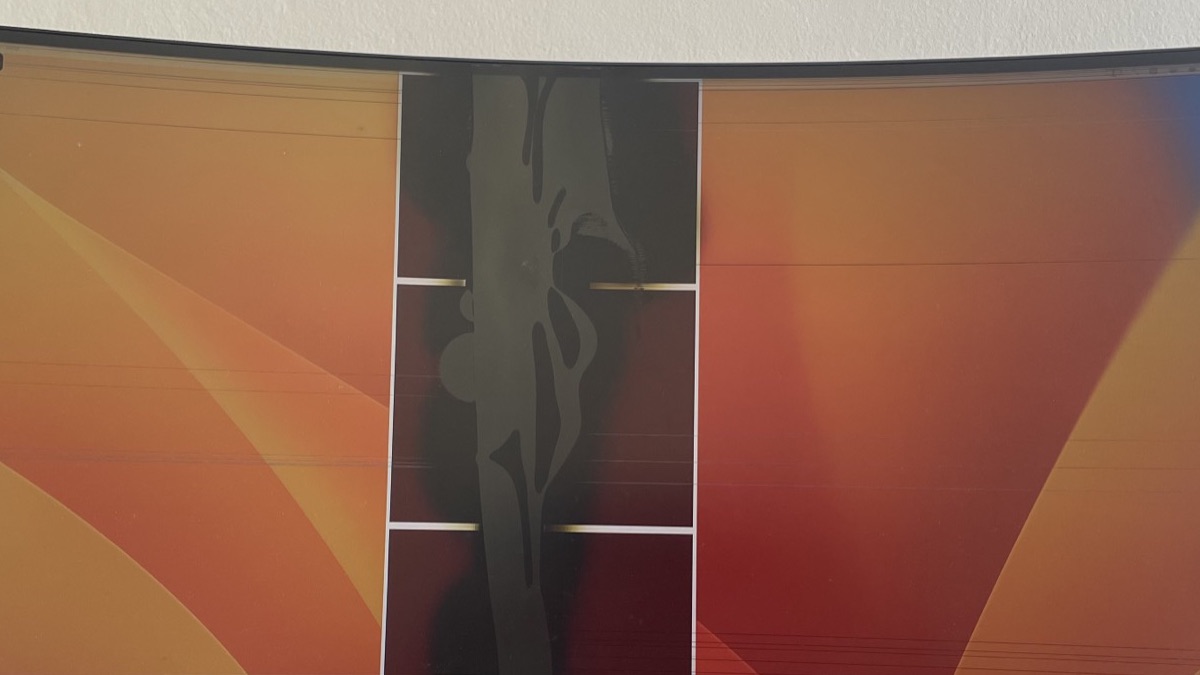
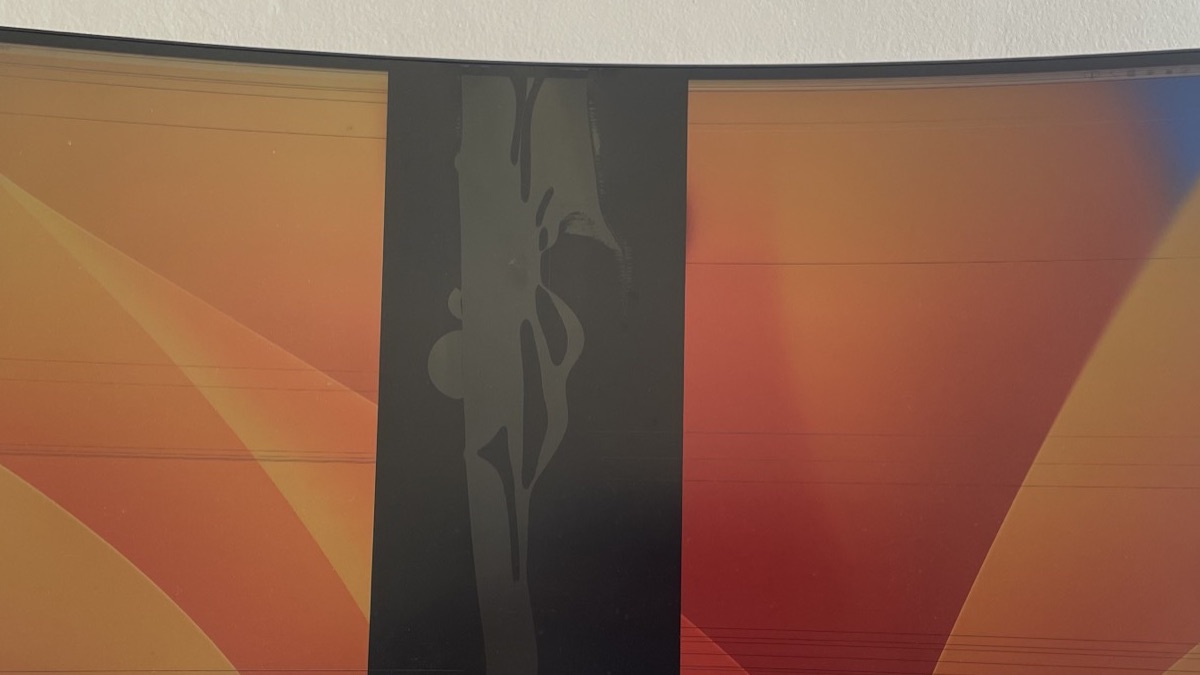
The executable targets ordinary Intel or AMD x64 Windows. It is self-contained, needs no separate .NET runtime, and requires no ZIP extraction.
Download ScreenFix for Windows x64Windows may show SmartScreen because this build is unsigned.
If compressed startup or extraction causes trouble, use the behavior-identical Windows x64 uncompressed fallback.
This build supports macOS 13 or later on Apple Silicon, not Intel Macs. Extract the archive, move ScreenFix to Applications, then Control-click and choose Open for the ad hoc signed build.
Download ScreenFix for macOS Apple SiliconAccessibility permission enables automatic window placement. Masks and calibration continue to work without that permission.
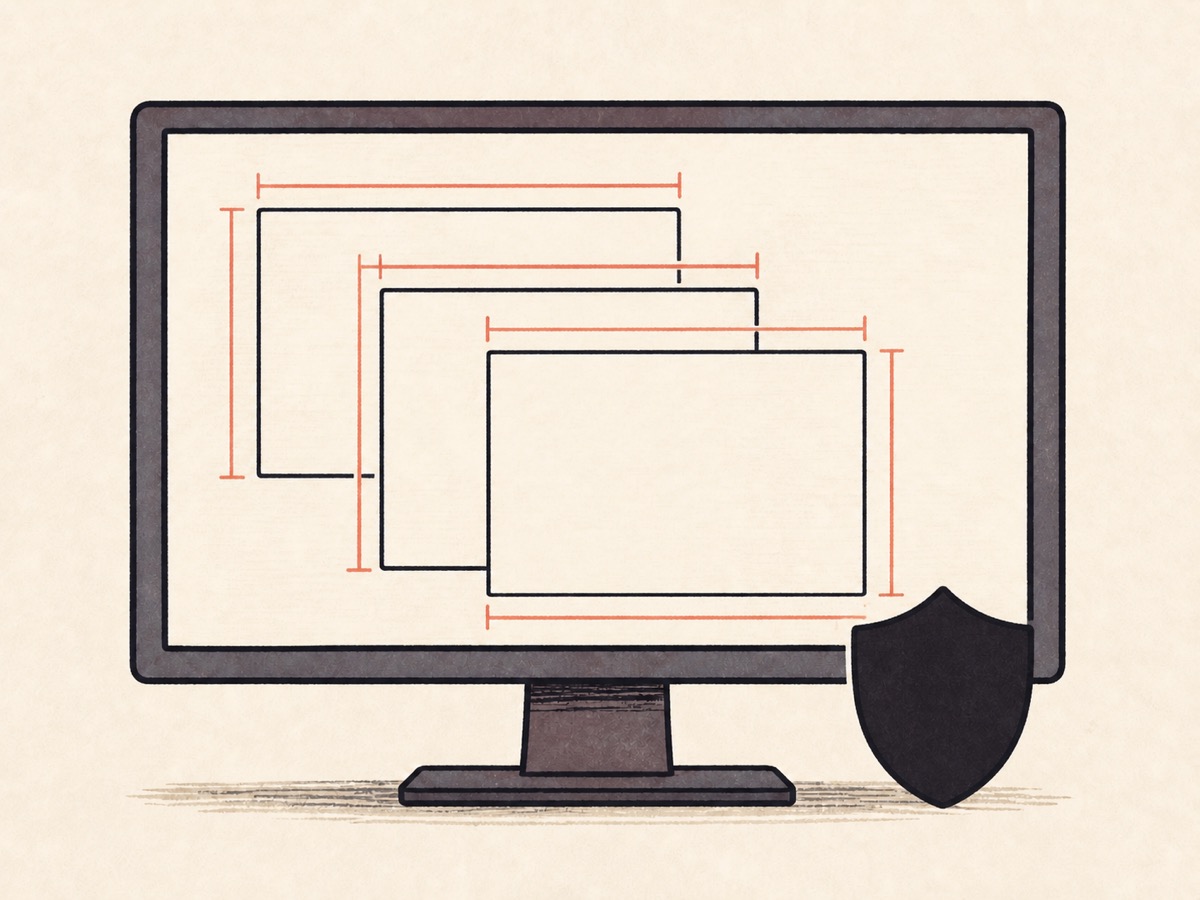
The ScreenFix application does not capture the screen, read window contents, use the network, or send telemetry. It observes only the window geometry needed to keep ordinary windows in usable space.
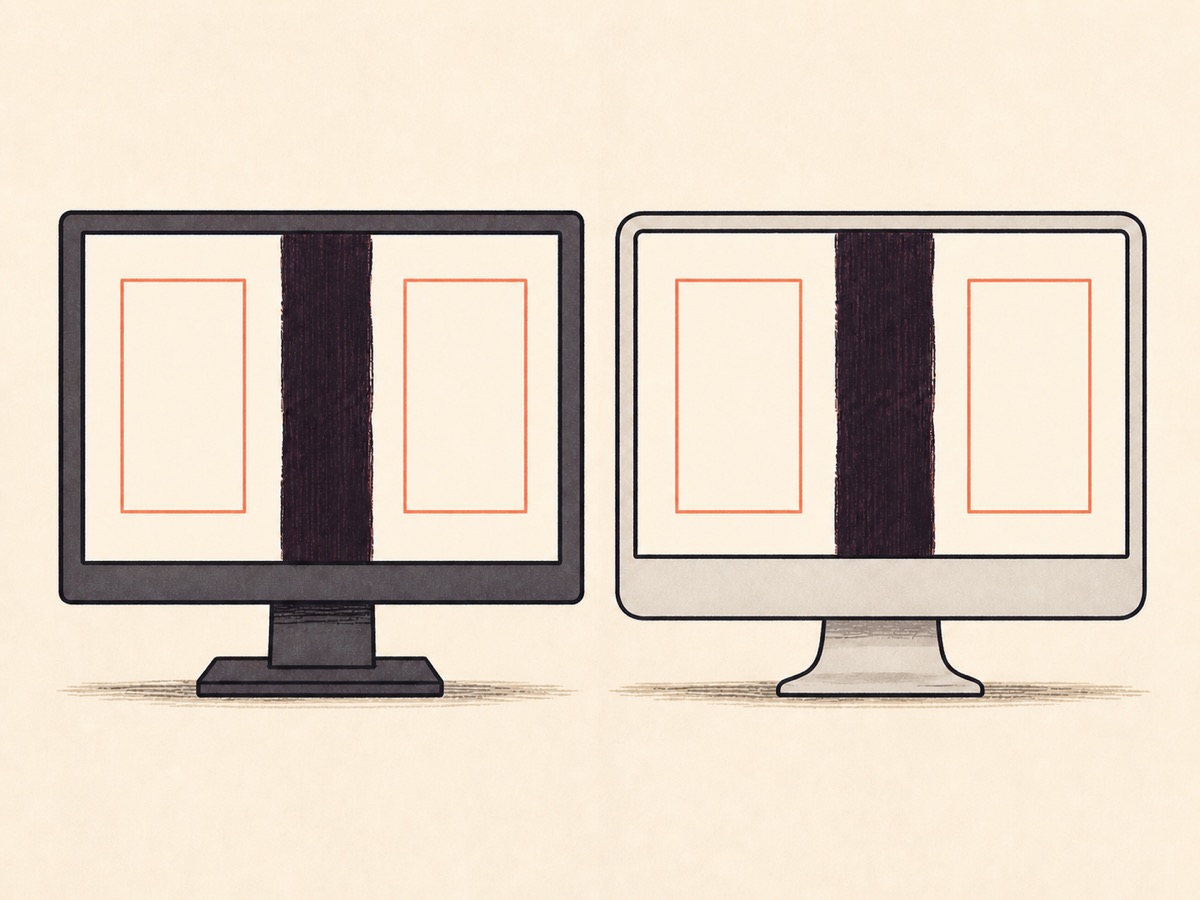
ScreenFix can black out a damaged strip and keep ordinary movable windows in the remaining usable space. It does not repair the panel, restore dead pixels, or control every full-screen, protected, custom, or fixed-size window.
No. ScreenFix places an opaque mask over responsive pixels in the damaged strip and manages usable window space. It cannot repair physical panel damage or restore dead pixels.
Protected, administrator-launched, custom, fixed-size, non-movable, borderless, exclusive, and full-screen windows may be left unchanged. Ordinary movable windows are the intended target.
The Windows executable is unsigned, so SmartScreen may warn. The macOS app is ad hoc signed but not notarized, so Gatekeeper may require Control-click and Open.
Accessibility permission is needed only for automatic window placement. The mask and calibration editor continue to work without it.